Hi! I'm Room Buddy, your in-room digital assistant. I can help you with anything during your stay - from using room features and connecting to WiFi, to troubleshooting issues or contacting the hotel team.
Please tell me your name and if you would prefer to chat in a language other than English?
How do I connect to the WiFi?
Show me how to use the room controls
Connect me with hotel staff
Legal name
Alternative name
Founded year
Number of employees
21-50
Company type
Corporation
Industry
Area served
garth@bethink.co.za
Phone
0834966860
Website
https://www.bethink.co.za
https://www.linkedin.com/in/garth-shoebridge-68965a1
Room buddy
30 May 2025
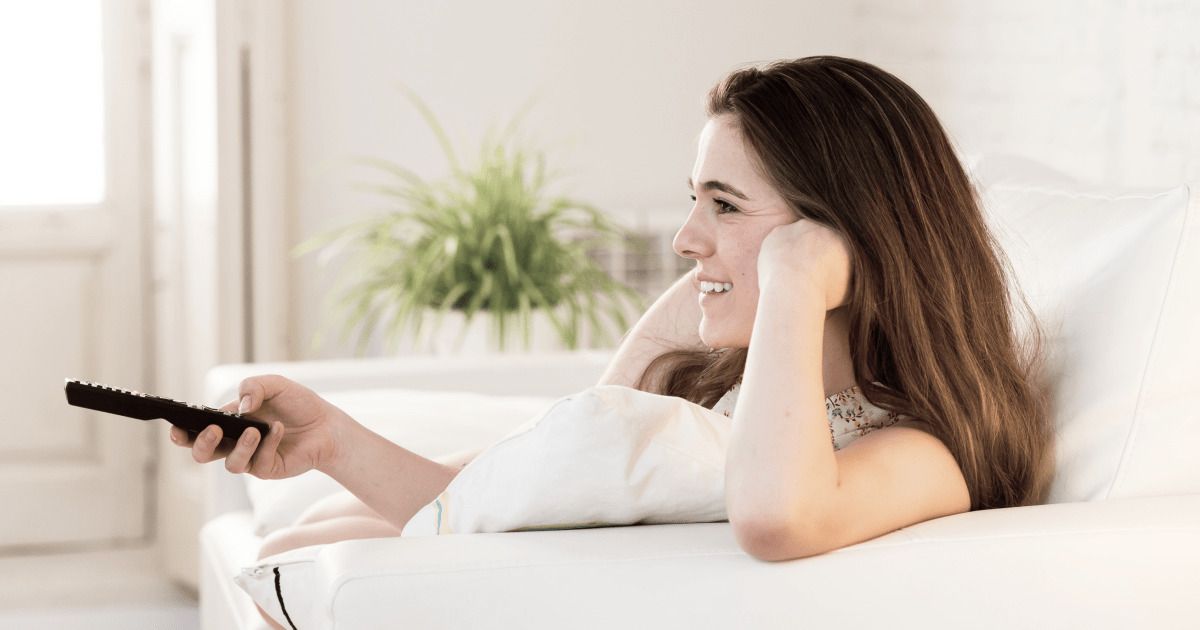
In-Room Gadget and Maintenance Issues
Your room comes equipped with modern gadgets for your convenience. Here’s how to use and troubleshoot common devices. If something’s not working, follow these steps to fix it yourself.
A. Television
1. Turning On/Off
- Use the remote or the power button on the TV.
- Ensure the TV is plugged in.
2. Changing Channels/Inputs
- Use the remote’s channel or input/source button.
- For streaming, select “Smart TV” or “Apps” on the home screen.
3. Troubleshooting TV Issues
- No Power:
- Check if the TV is plugged in and the power outlet is switched on.
- Try the power button on the TV itself.
- No Signal:
- Ensure the correct input/source is selected (HDMI, TV, AV).
- Check if the set-top box or streaming device is powered on.
- Remote Not Working:
- Replace batteries.
- Ensure nothing is blocking the sensor.
B. Lights and Power Outlets
1. Using Light Switches
- Switches are usually near the entrance, bed, and bathroom.
- Some rooms have bedside panels for all lights.
2. Troubleshooting Light Issues
- Light Not Turning On:
- Try other switches.
- Check if the bulb is loose (if safe to do so).
- Test another outlet with your device to check for power.
C. Other Gadgets (Kettle, Hairdryer, etc.)
1. Kettle
- Ensure it’s plugged in.
- Fill with water (do not overfill).
- Press the power switch; indicator light should turn on.
2. Hairdryer
- Plug into a power outlet.
- Press and hold the power button.
3. Troubleshooting Appliance Issues
- Not Working:
- Try a different power outlet.
- Ensure the device is switched on.
- Check for a master power switch in the room.
D. Reporting Maintenance Issues
If you’ve tried these steps and the device still isn’t working:
- Tap “Request Maintenance” in the app.
- Choose the device (TV, lights, kettle, etc.) and describe the issue.
- Our maintenance team will assist you as soon as possible.
Need More Help?
If you need further assistance, use the chat feature in the app to connect with our team. We’re here 24/7 to make your stay comfortable!